
Your traffic is decent. GA4 shows visitors arriving on the right pages, spending a reasonable amount of time, and not immediately bouncing. And yet the enquiry form is suspiciously quiet. Two leads last week. Three the week before. Something is not adding up.
You have probably Googled this before. And found an article about abandoned cart emails. Or Shopify checkout flows. Or "reduce friction in your e-commerce funnel." None of which has anything to do with a professional services business that wants more phone calls. Sound familiar?
The gap between "we get traffic" and "we get enquiries" is one of the most common and fixable problems on otherwise well-built service sites. The issue is not always traffic volume. Often it is what the site does with the visitors it already has.
This post covers five practical changes you can make to the site you already have, in roughly the order you should make them, plus how to tell whether they are working.
What a good website conversion rate looks like
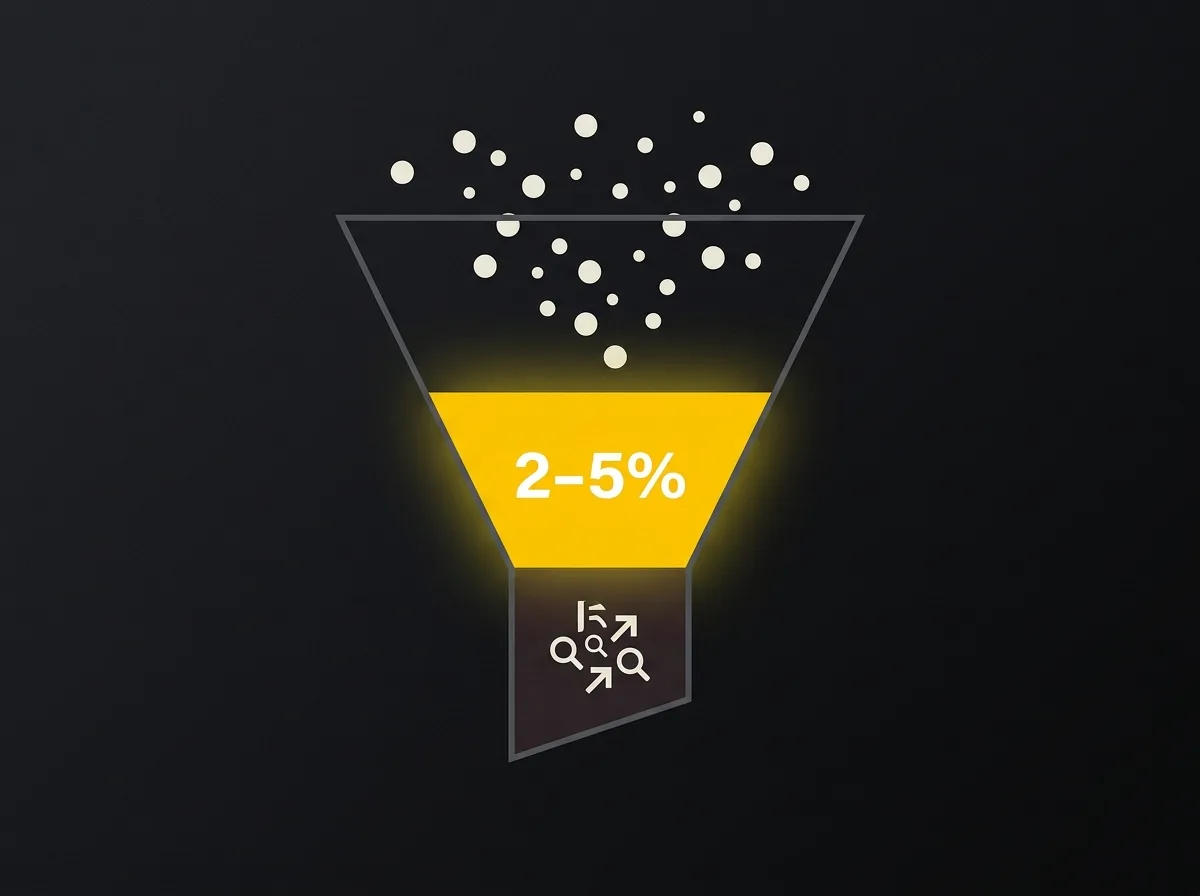
Before you can decide whether you have a conversion problem, you need to know what you are measuring and what normal actually looks like.
Conversion rate for a service business is straightforward: the percentage of visitors who take the action you want. Usually a form submission, a phone call, or an email enquiry. The formula is (enquiries divided by total visitors) multiplied by 100. A site receiving 1,000 visitors a month and generating 30 enquiries has a conversion rate of 3%.
According to Ruler Analytics' conversion rate benchmarks by industry, for UK B2B service businesses, 2-5% is a typical range. Above 5% is strong. Below 1% is a signal that something is meaningfully wrong, whether that is a message mismatch, a structural UX issue, or a tracking gap.
The ecommerce frame misleads here. An online retailer drawing 50,000 visitors at 2% produces 1,000 sales. A professional services site with 1,500 monthly visitors at 3% produces 45 enquiries. Very different scales, very different contexts. Comparing yourself to an ecommerce benchmark tells you almost nothing useful.
The bigger problem, for most service businesses, is that the number is not being tracked accurately at all. Page views appear clearly in Google Analytics by default. But form submissions, phone number clicks, and email link clicks are separate conversion events that must be set up deliberately in GA4. Without them, your conversion rate is either better or worse than you think.
You do not know which.
If you are unclear whether your site has a conversion problem, a traffic problem, or both, the diagnostic framework in our post on whether you need a CRO consultant or a better website is worth reading before you start making changes. It will save you working on the wrong thing.
Quick win 1: your headline and above-the-fold message
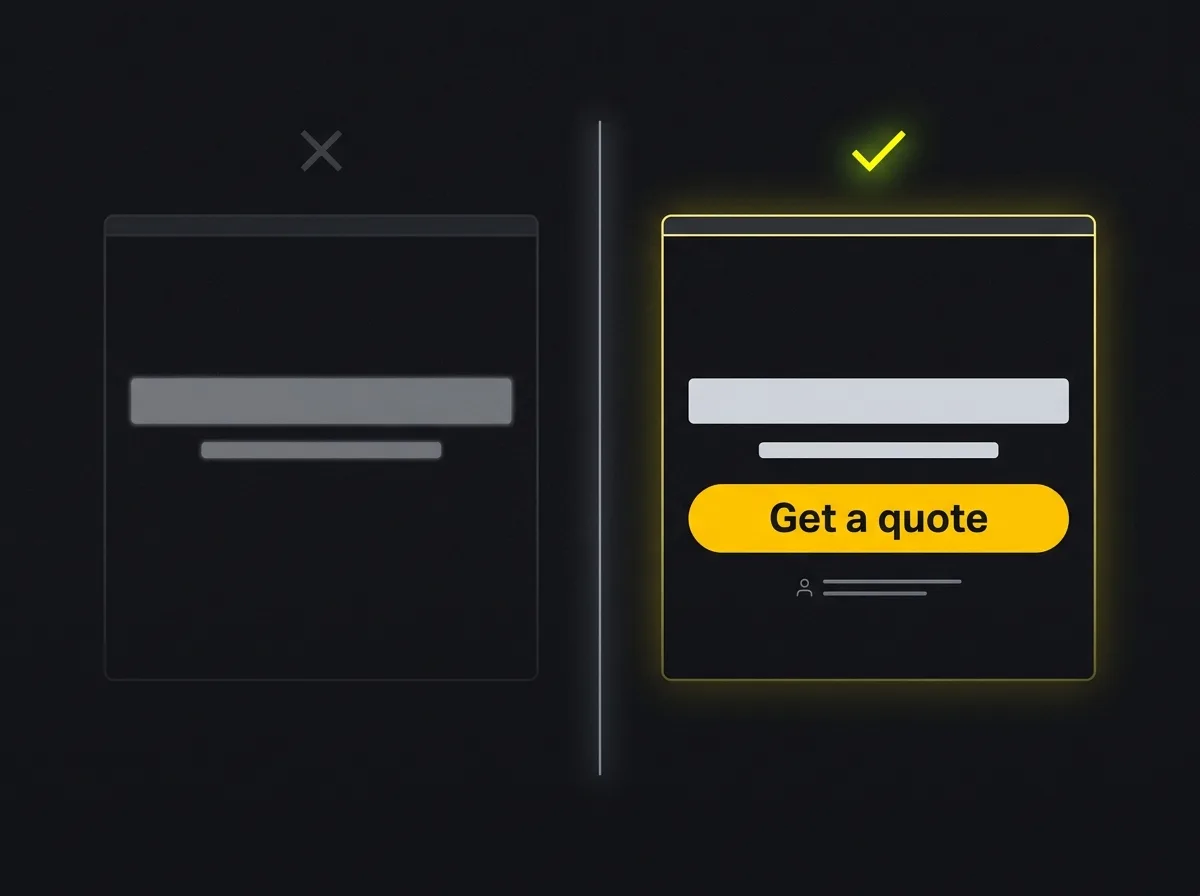
The first decision a visitor makes is not "should I get in touch." It is "should I stay." That decision happens in under five seconds and is made almost entirely on what they read above the fold.
Most service sites fail this test. Not because the design is poor, but because the headline describes the business rather than the outcome for the buyer. "Full service digital marketing agency." "Award-winning property solicitors." "Your local financial planning experts." These are not wrong. They just give a reader no reason to keep reading.
Outcome-led headlines work differently. "We help UK construction businesses win more contract leads from Google" tells a reader three things in one line: who the service is for, what it does, and the result. A reader who builds things in the UK knows within two seconds whether this is relevant to them. One that does not, equally so. That clarity reduces wasted browsing and raises the quality of the enquiries you do receive.
You do not need an A/B testing platform to test this. Rewrite the H1 and sub-headline on one key page, your homepage or the service page with the most traffic, run it for three to four weeks, and compare the enquiry rate before and after. One page at a time. One change at a time. The results will not be perfectly controlled, but they will be directional, and direction is what you need at this stage.
What to check above the fold. A headline that names the outcome the visitor is looking for. A sub-headline that addresses their most likely hesitation. One clear CTA button, not three competing options. One line of social proof: a named client, a measurable result, or the number of businesses helped. Four elements. That is the complete set.
The tools for diagnosing this are both free. Google Search Console shows which landing pages have high impressions but low clicks relative to their ranking position. A high exit rate on a well-ranked page is a conversion problem before it is a traffic problem. Hotjar's free tier provides heatmaps confirming whether visitors are even scrolling past the fold before leaving.
One specific warning for mobile: a hero image that takes up the full viewport height pushes the headline and CTA entirely below the fold on a phone screen. The visitor sees a photograph and no reason to stay. This is one of the most common conversion failures on service sites and is usually a ten-minute fix in any modern WordPress theme.
Quick win 2: CTA copy and placement
Button text is the single lowest-effort, highest-impact change on most service sites. Seriously. Five minutes of editing. Potentially meaningful uplift. And yet most sites ship with the defaults and leave them untouched for years.
The problem: "Submit," "Send," "Contact us." These describe what the user does rather than what they receive. They add no energy to the moment and no specificity to what happens next.
What works instead is value-led and written in the first person. "Send me the quote" outperforms "Get a quote." "Book a free 20-minute call" outperforms "Contact us." The specificity matters because it removes hesitation. The reader knows exactly what clicking will produce. It sounds like something that costs them nothing and gains them something useful, which is a much easier decision than clicking into the unknown.
A short line of micro-copy directly beneath the CTA button can also shift results without touching the button itself. "No commitment. We reply within one working day." Or "Takes two minutes. No sales pitch." These are objection removers, not feature lists. They address the quiet, irrational fear that clicking will trigger an aggressive follow-up call. That fear is more common than most business owners expect, and it costs enquiries every week.
One CTA per page. If a page asks the visitor to book a demo, download a guide, and contact you simultaneously, conversion splits three ways and none performs well. Identify the primary action and make everything else secondary or remove it entirely. The elements of a high-converting landing page cover this in detail, but the short version is: one primary goal, one primary CTA, everything else subordinate.
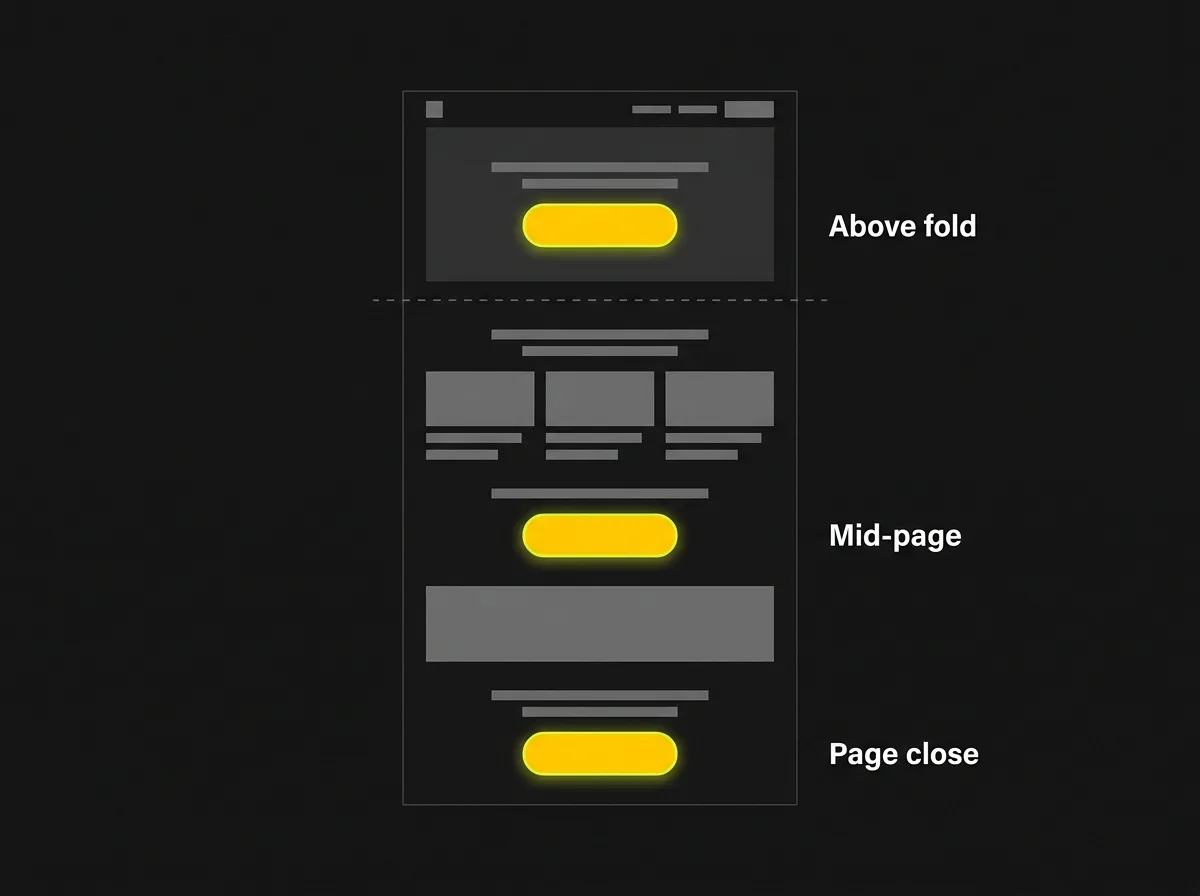
Three placements. The CTA should appear above the fold, once mid-page, and at the close. Not aggressively repeated. Just present at the moments when a visitor is most likely to be ready: on arrival, after they have read enough to be interested, and at the end once they have decided. Most service sites have a CTA at the top and the bottom and miss the middle, which is often where the decision actually happens.
Anchor text links inside body copy also consistently outperform banner buttons and sidebars. A reader mid-sentence is engaged. A linked phrase takes them directly to the next step without breaking their momentum. It is the same principle behind what a high-converting landing page actually looks like and why that format converts at the rate it does.
Quick win 3: trust signals at the right moment

Trust signals in the wrong place do nothing. This is the most consistent mistake on professional services sites, and the hardest to see when you are reviewing your own work. The social proof is there. It is just on the About page, in a carousel that nobody scrolls, or in the footer where most visitors stop reading.
Move social proof to the decision moment. The enquiry form. The services page. The bottom of a pricing section. A testimonial two clicks away might as well not exist. It has to be present at the point where the visitor is weighing up whether to make contact.
For B2B service buyers specifically, star ratings alone are not enough. A five-star average tells the reader that other people were broadly satisfied. It does not tell them what to expect. An outcome-led testimonial does. "We went from three enquiries a week to fourteen in the first 90 days" gives the next reader a benchmark. It answers the unstated question every potential buyer is carrying: what actually happens if I work with these people?
Named testimonials, with a real person, a company, and a role, outperform anonymous quotes substantially. "Jane Hewitt, Director, Hewitt Construction" creates credibility that "Anonymous, Professional Services Client" cannot. Buyers check whether the people recommending you are real. They search the name. They look at the company website. That behaviour has increased as more of the buying process moves online before any first contact is made.
A short case study format that earns trust without a long write-up: one sentence on the problem, one sentence on what was done, one sentence on the measurable result. Three lines is often enough. Longer case studies belong on a dedicated page, not embedded in a conversion path where they interrupt the journey.
Technical trust matters too. A visible SSL certificate, professional photography rather than stock images of people in suits, and team bios with names and real photographs. Consider what a B2B website needs to turn visitors into enquiries for the detail on this, because the evidence professional services buyers look for is different from what ecommerce sites rely on, and placing the wrong kind of social proof is nearly as unhelpful as placing none.
One note for visitors arriving from AI search. They have often already seen the site mentioned in a ChatGPT or Perplexity response before landing. They are not browsing; they are verifying. A logo wall and a star rating do not clear that bar. Named client sectors, specific results, and evidence of real work do. The bar is higher for AI-referred visitors, and the payoff for clearing it is significant.
Quick win 4: mobile UX for service businesses
More than 60% of B2B research now happens on mobile. Service businesses often treat mobile as an ecommerce concern, which means the specific failures that affect enquiry-led sites go unaddressed for years.
The common failures are not about screen size. They are about the specific actions a mobile visitor needs to take to get in touch.
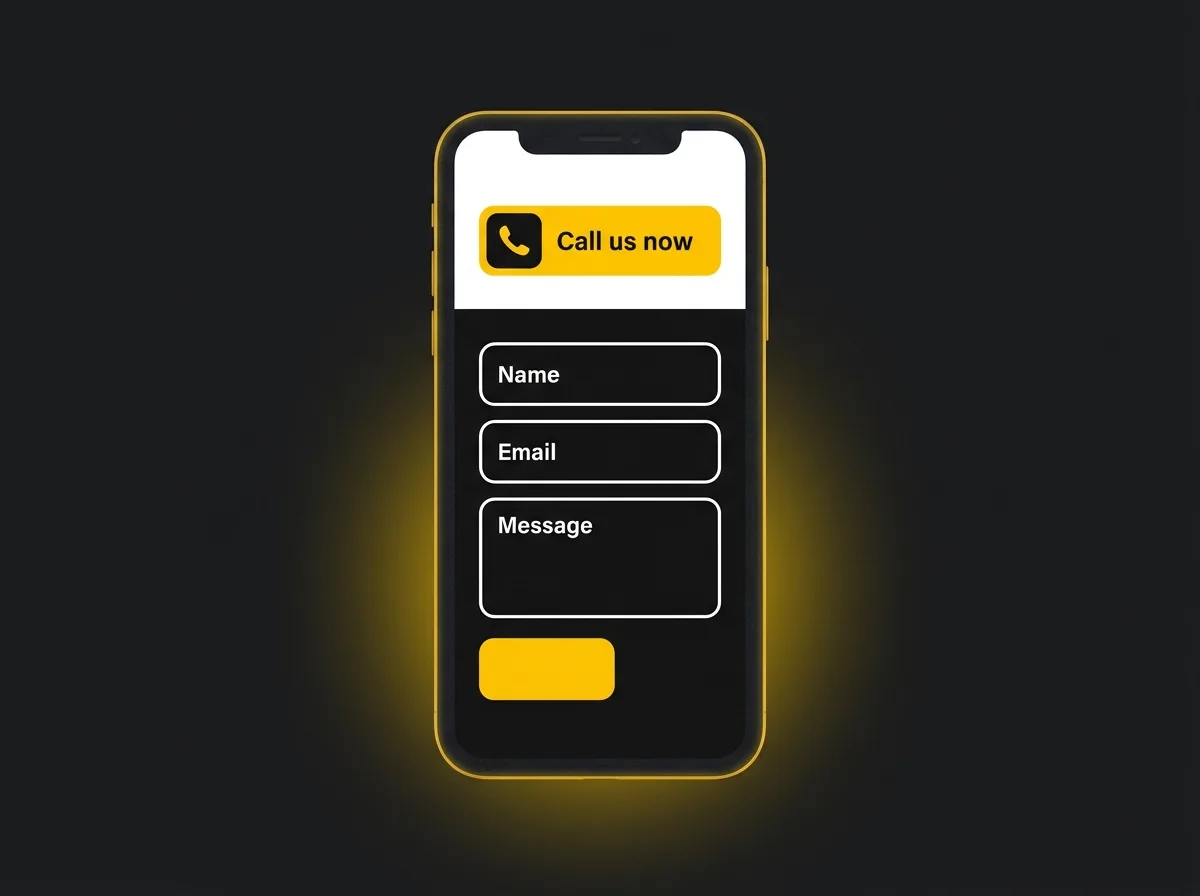
Click-to-call. If your phone number is displayed as plain text rather than a tappable link, mobile visitors cannot call you without copying the number, opening their phone app, and pasting it in. Most will not do this. They will leave. A tappable telephone link uses a tel: attribute in the HTML and takes roughly two minutes to add in any modern WordPress theme. The lift in phone enquiry volume from this single change, on a site where it was missing, can be immediate and visible.
Form length. A contact form asking for name, company, email, phone number, project type, budget, timeline, and how they found you will convert poorly on mobile. Not because visitors are unwilling to share information, but because completing eight fields on a phone is disproportionate to what should be a first, low-stakes contact. Three or four fields is enough to qualify the lead and start a conversation. Ask for the rest on the call.
Navigation depth. The "Contact" or "Get a quote" option should be reachable in one tap from any page on mobile. If it requires opening a hamburger menu, scrolling through options, and tapping a sub-level item, a meaningful proportion of your mobile visitors will give up before they reach it. It belongs in the mobile header, visible without any interaction at all.
The diagnostic tool here is the Google Mobile-Friendly Test, which gives a specific issues list for any URL you submit. Run every key landing page, not just the homepage. A service page that ranks well in Google but fails the mobile test is losing conversions from every mobile visitor who arrives and cannot find a clear way to reach you.
Quick win 5: page speed without infrastructure changes
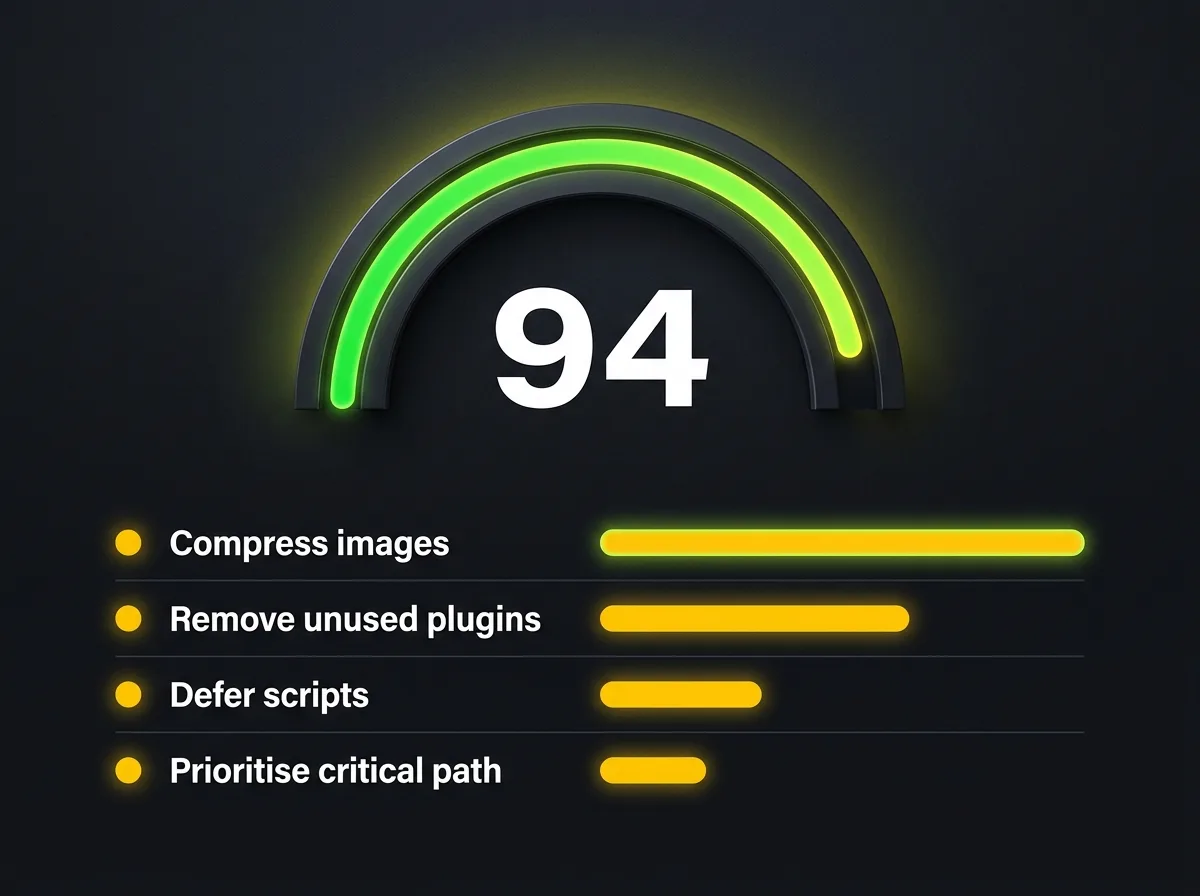
A slow website costs enquiries. For UK B2B buyers evaluating professional services, a site that loads slowly also signals something about the business behind it. Disorganised. Under-invested. Not the association a credible firm wants to make with a new prospect.
Google's Core Web Vitals research shows a direct relationship between page load time and the likelihood a visitor completes an action. Pages loading in under two seconds perform measurably better than those loading in five. For UK service sites, which commonly carry unoptimised hero images and years of accumulated plugin overhead, this is one of the most accessible improvements available.
Four changes that require no server migration, no new hosting plan, and no developer:
-
Compress and convert images to WebP. The most common culprit on service sites is an unoptimised hero image uploaded directly from a camera at full resolution, often three to five megabytes. WebP format at 80% quality brings this below 200KB with no visible quality difference. On WordPress, Smush or ShortPixel handle this automatically once installed.
-
Remove unused plugins. Every active plugin adds PHP execution on every page load, and some add JavaScript too. A site running 28 plugins after three years often has eight to ten doing nothing. Deactivating the redundant ones takes five minutes and has a measurable effect on load time.
-
Defer non-critical scripts. Google Tag Manager, heatmap tools like Hotjar, and live chat widgets loaded in the page head block the browser from rendering visible content first. Moving them to load after the main page content is a configuration change, not a rebuild. In Google Tag Manager, this means setting triggers to fire on DOM Ready or Window Loaded rather than Page View.
-
Use PageSpeed Insights to generate a prioritised list. The Opportunities section in PageSpeed Insights ranks each identified issue by the potential load time saving. Start at the top and work down. GTmetrix's free tier provides a load waterfall view that shows exactly which resources are taking longest to fetch, which is useful when the PageSpeed list is long and you need to see where the time is actually going.
Aim for under three seconds on mobile and under two seconds on desktop. Not a perfect score. Just within the range where speed stops being an active barrier to conversion.
When these changes hit their limit
These five changes produce meaningful results on most service sites. But there are cases where the constraint is structural rather than cosmetic, and no amount of headline testing or button text editing will shift the numbers.
Signs that the problem may be structural rather than cosmetic:
-
Conversion rate still under 0.5% after changes have been in place for six to eight weeks
-
The site's architecture makes the main service page unreachable in fewer than three clicks from the homepage
-
The brand has repositioned significantly but the site still reflects positioning from three years ago
-
Mobile performance scores are so poor that page-by-page fixes would cost more over time than a considered rebuild
This is not an invitation to rebuild on a hunch. It is an honest threshold. A rebuild is not automatically the answer when incremental fixes stop working, but the question is worth asking properly. What a considered web design process actually involves, versus a cosmetic refresh, is worth understanding before committing to any significant investment.
For readers still at the diagnostic stage, the full decision framework in our post on whether you need a CRO consultant or a better website covers this properly.
Measuring whether it is working
None of these changes are worth making if you cannot tell whether they worked. Gut feel is not a measurement.
Set up GA4 conversion events before making any changes. You need a baseline. Without one, you cannot separate a good month from a genuine site improvement caused by something specific you did.
The minimum tracking setup for a service site: a form submission confirmation page tracked as a conversion event; phone number clicks tracked as a conversion event (GA4 Enhanced Measurement handles this automatically once enabled); key service pages tracked as engagement events so you can see whether traffic is actually reaching them.
Give any change three to four weeks before drawing conclusions. A single-week comparison is noise. A month captures enough variation in traffic patterns to be directional, and direction is what you need at this stage.
If your GA4 tracking is not yet properly configured, count enquiries this month against the same month last year. Not statistically rigorous. But a meaningful directional check while the proper tracking gets built out.
Frequently asked questions about increasing your website conversion rate
What is a good website conversion rate for a UK service business?
For most UK B2B service businesses, a conversion rate between 2% and 5% is a typical range. Above 5% is strong, particularly for professional services where an enquiry is a considered decision rather than an impulse. Below 1% usually indicates a problem worth investigating, whether that is a tracking gap, a message mismatch, or a structural UX issue. These benchmarks come from Ruler Analytics' research and reflect enquiry-led businesses specifically, not ecommerce or transactional sites.
How do I track my website conversion rate in GA4?
GA4 does not track form submissions or phone calls by default. You need to configure conversion events explicitly. For form submissions, the simplest approach is to redirect to a thank-you confirmation page after submission and mark that page view as a conversion event in GA4. For phone number clicks, enabling Enhanced Measurement in your GA4 data stream captures these automatically. Once both events are active, your conversion rate appears in the Conversions report under the Engagement section.
Does page speed really affect conversion rates?
Yes, and the effect is particularly significant on mobile. Google's research published via web.dev shows a direct relationship between page load time and the probability that a visitor completes an action. A page loading in under two seconds performs measurably better than one loading in five. For UK B2B service sites, which commonly carry unoptimised images and accumulated plugin overhead, this is one of the more impactful and accessible improvements available without touching server infrastructure.
What trust signals do B2B buyers look for?
B2B buyers look for signals of competence and specificity rather than generic endorsements. Named testimonials with a person's name, company, and role outperform anonymous star ratings. Outcome-led quotes with a measurable result outperform general "great to work with" endorsements. Named client sectors and short case study results give the next buyer a benchmark for what to expect. Team bios with real photographs and names help buyers confirm they are dealing with real people. A visible SSL certificate and professional photography act as background credibility checks that most visitors run without consciously noticing.
How long before CRO changes produce results?
Most changes take three to four weeks to produce directional data, assuming the site receives enough traffic to generate meaningful signals. A site with 500 monthly visitors will take longer to show clear patterns than one with 5,000. For lower-traffic sites, extend the measurement window to six to eight weeks before drawing conclusions. Some changes, like adding a tappable phone number to a mobile header, can produce visible effects on phone enquiry volume within days. Above-the-fold message changes take longer to accumulate enough data to be confident in the direction.
What your current traffic is worth at a better conversion rate
Once you know your conversion rate is lower than it should be, the natural next question is what your existing traffic would actually be worth if it converted properly. That question has a number attached to it.
Free resource: Traffic Projection Report
A baseline estimate of what your current visitor numbers would produce in enquiries and potential revenue at a typical conversion rate for your sector and business type. Takes a few minutes. No commitment.
The five changes in this post are a starting point. Some will produce results within a few weeks. Others build gradually as you refine the messaging and accumulate conversion data. The measure that matters is not whether a page looks different. It is whether more of the right people contact you.